
When Making a Live PowerPoint Presentation Using SlideShare

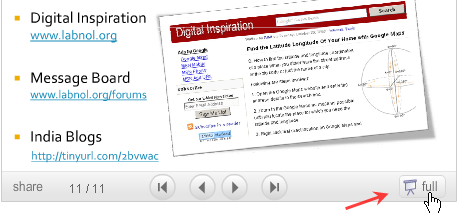
The SlideShare player has a “Full Screen Mode” that lets you deliver PowerPoint presentations in front of a live audience without requiring PowerPoint program or the PPT viewer. Just upload the PPT file (or PDF) to SlideShare and make the presentation through web browser.
But since the presentation slides are streamed via web, you could run in a problem if the Internet connection in the conference room is slow or network becomes unavailable at the time of presentation.
To prevent such an embarrassing situation and making sure that slide transitions are smooth even with a slow network connection, Rashmi shares a very useful tip:
“I always run through the presentation once (in full screen) before getting to the talk venue so that it gets cached on my computer. That way my slides load up immediately and network speed does not matter.”
Therefore a quick rehearsal before the actual presentation will ensure that your audience won’t have to wait for the next slide to download.

Amit Agarwal
Google Developer Expert, Google Cloud Champion
Amit Agarwal is a Google Developer Expert in Google Workspace and Google Apps Script. He holds an engineering degree in Computer Science (I.I.T.) and is the first professional blogger in India.
Amit has developed several popular Google add-ons including Mail Merge for Gmail and Document Studio. Read more on Lifehacker and YourStory























