Do you know that Google Earth also lets you explore historical imagery of a place? When you zoom to a particular location on Google Earth, it pops up a clock icon in the status bar indicating the earliest year for which historical imagery is available for that location.
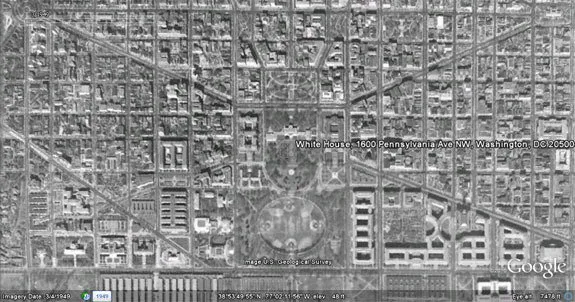
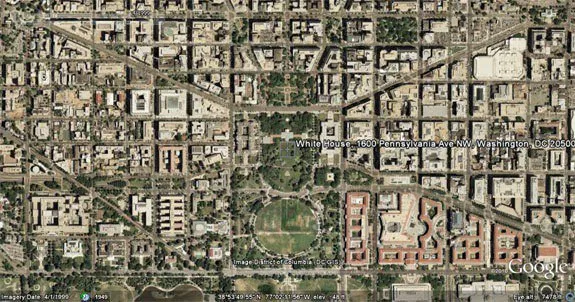
You can then move the slider in the timeline, using your mouse or with the help of arrow keys, to see how that place may have changed over time. For instance, here are aerial images of the Whitehouse captured during 1949 and 1999.
Historical Imagery in Google Earth
The following video has details on how may access historical imagery in Google Earth.






