
Click Hyperlinks on Web Pages with Keyboard Shortcuts

If you prefer using keyboard shortcuts over mouse to interact with software programs, you’ll absolutely love mouse-less browsing for Firefox.
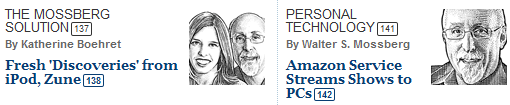
As the WSJ screenshot suggests, Mouseless Browsing adds unique numbers next to every hyperlink on the current web page – that link could either be in the form of text or even images.
Now if you want to click any of the hyperlinks to visit the target web page, just type the corresponding number with your keyboard and hit Enter.
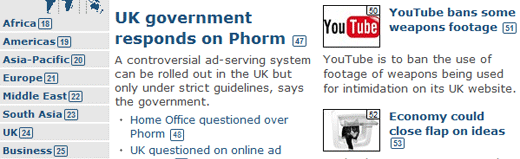
The extension also works with search boxes and regular web forms. Here are some examples from BBC News and the CNN home page.

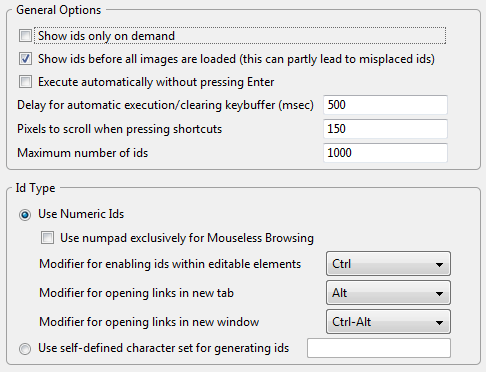
While you may think that this will only add clutter to web pages, that’s really not the case. Everything can be customized including the style of these “unique numbers” that appear next to web links.
In fact you could can URLs (with wildcards like *techmeme* or *google.com) to automatically suggest sites where this feature should be enabled or disabled by default.
Related: When Your Computer Keyboard Fails

Amit Agarwal
Google Developer Expert, Google Cloud Champion
Amit Agarwal is a Google Developer Expert in Google Workspace and Google Apps Script. He holds an engineering degree in Computer Science (I.I.T.) and is the first professional blogger in India.
Amit has developed several popular Google add-ons including Mail Merge for Gmail and Document Studio. Read more on Lifehacker and YourStory























