
Make a Twitter Background Image with PowerPoint or Keynote

Looking to have a nice background for your Twitter profile page. Then check out this tutorial on how you can create one using PowerPoint (or Keynote if you work on a Mac).
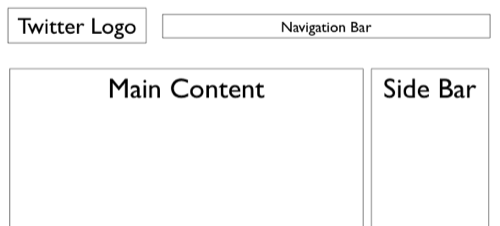
It requires you to download a PowerPoint template with areas marked where you are free to unleash your creative skills. Once satisfied, simply export the PowerPoint slide as a JPEG image and upload it to your Twitter page.
These PowerPoint templates are 1920×1200 pixels in size to account for most computer screens; feel free to change the template size to suit your needs.
You may also want to check out another tutorial on creating Twitter backgrounds using profile pictures of Facebook friends. Thanks Brian Solis.

Amit Agarwal
Google Developer Expert, Google Cloud Champion
Amit Agarwal is a Google Developer Expert in Google Workspace and Google Apps Script. He holds an engineering degree in Computer Science (I.I.T.) and is the first professional blogger in India.
Amit has developed several popular Google add-ons including Mail Merge for Gmail and Document Studio. Read more on Lifehacker and YourStory























