
Remote Control Windows Mobile Phone From Desktop Computer

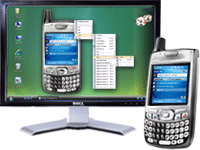
Remote control your Windows Mobile device from your desktop or laptop computer with Pocket Controller-Pro 6.0. Also supports Windows Vista.
Presentation Tools - Display on a projection system during training or presentation sessions.
Real-Time Remote Control - Operate from your desktop PC using your keyboard & mouse.
Viewing Modes - View & control in corresponding skin or in windows mode.
Explore Tool - Transfer, delete, rename & search files. Create folders with custom attributes.
File Synchronization - Configure convenient synchronization rules to suit your needs.
Task Manager - View detailed information about all running applications & processes.

Amit Agarwal
Google Developer Expert, Google Cloud Champion
Amit Agarwal is a Google Developer Expert in Google Workspace and Google Apps Script. He holds an engineering degree in Computer Science (I.I.T.) and is the first professional blogger in India.
Amit has developed several popular Google add-ons including Mail Merge for Gmail and Document Studio. Read more on Lifehacker and YourStory























